USB (Universal Serial Bus) connectivity has become an integral part of our daily lives, linking a wide array of devices from the simplest peripherals to the most complex computer systems. As technology progresses, the importance of understanding and utilizing the right USB connectivity solutions has become essential for ensuring seamless operation across all devices. This article explores the various USB connectivity options available today, providing you with the knowledge to choose the right solutions for your technological needs.
Evolution of USB Technology
Since its introduction in the mid-1990s, USB technology has undergone substantial evolution. From USB 1.0 to the latest USB 4, introduced in 2019, each version has enhanced the speed and efficiency of data transfer significantly:
.png)
- USB 1.x: The original standard, providing basic connectivity and data transfer rates up to 12 Mbps.
- USB 2.0: Introduced higher speeds up to 480 Mbps, suitable for more extensive file transfers and peripheral connectivity.
- USB 3.x: A major advancement with speeds up to 5 Gbps (USB 3.0) and 10 Gbps (USB 3.1), supporting HD video, gaming, and fast data applications.
- USB 4: The latest standard, offering speeds up to 40 Gbps and backward compatibility with Thunderbolt 3, addressing needs from high-speed data transfers to dual 4K display connections.
Types of USB Connectors
Selecting the right USB connector is crucial for compatibility and performance. Here are the most common types:
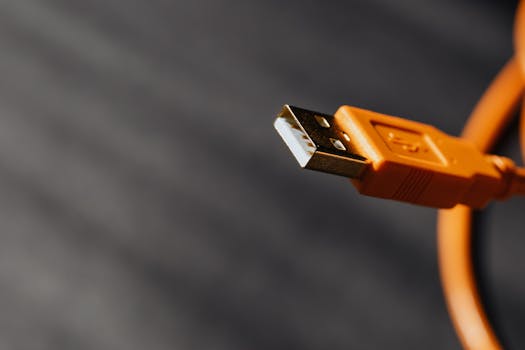
- USB-A: The standard flat, rectangular interface primarily used on host devices such as computers and power adapters.
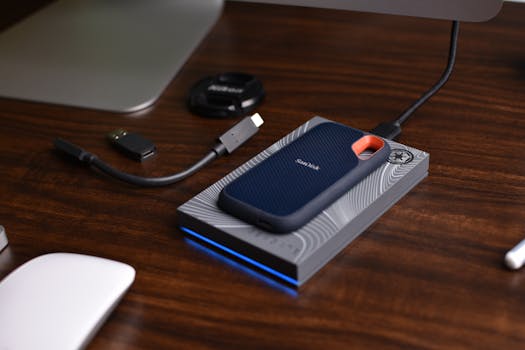
- USB-B: Typically seen on larger peripheral devices like printers and external hard drives.
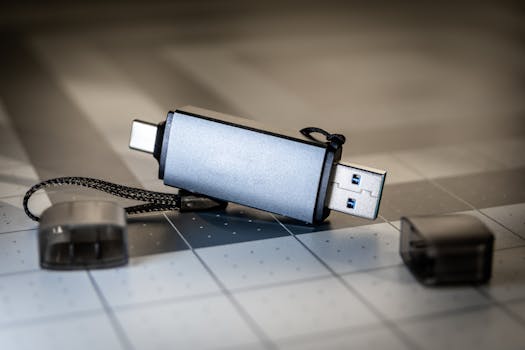
- USB-C: Known for its reversible design, this connector supports faster data and power transmission and is quickly becoming the standard for new devices.
- Micro-USB and Mini-USB: These smaller connectors are generally used on older mobile devices, digital cameras, and other portable electronics.
Key Considerations for USB Connectivity
When choosing USB cables and devices, consider the following factors to optimize performance:
- Cable Length and Quality: Longer cables can result in signal degradation and slower speeds. Opt for shorter, high-quality cables where possible.
- Durability: Cables with reinforced connectors and robust construction can withstand wear and tear, providing better longevity and reliability.
- Data Transfer Rates: Match the cable’s specifications with your required speed, especially when dealing with high-definition content or large file transfers.
Enhancing USB Functionality
To further enhance USB connectivity, consider these additional components:
- USB Hubs: Ideal for expanding the number of USB ports available on a single device, allowing multiple devices to connect simultaneously.
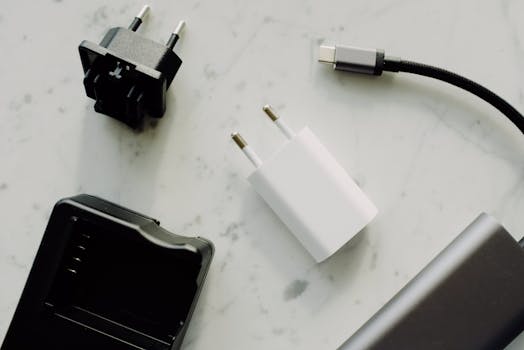
- USB Adapters: Useful for converting USB signals to other formats (e.g., USB to HDMI) or bridging between different USB types.
USB Power Delivery
USB Power Delivery (PD) is a specification allowing for higher power to be carried over USB connections. This technology is especially beneficial for charging laptops and other high-power devices more quickly and efficiently than standard USB rates.
Troubleshooting Common USB Issues
Users may occasionally encounter issues such as slow transfer speeds, device non-recognition, or inadequate power supply. Solutions include checking cable integrity, updating device drivers and system firmware, and using powered hubs for devices requiring significant power.
The Future of USB Connectivity
Looking ahead, USB technology continues to advance. With USB 4 gaining traction, users can expect even faster speeds and more robust power management in the future. Moreover, the widespread adoption of USB-C aims to standardize connectivity, making it easier and more efficient to manage multiple devices.
In summary, USB connectivity plays a pivotal role in the functionality of modern technology. By understanding the different types of USB connectors, standards, and choosing the right components, users can significantly enhance their experience with a wide range of devices. As USB technology continues to evolve, staying informed about these advancements will help keep your technology relevant and functioning optimally.